


- IKEA Products(17815)
- Home & Living(23892)
- Outdoor(3540)
- Toys & Accessories(16917)
- Electronics(8541)
- Keyboards & Mice(598)
- Phone Accessories(385)
- Office Supplies(946)
- Accessories(647)
- Speakers & Headphones(1182)
- Cables(1574)
- Portable Memory(252)
- Tablet Accessories(63)
- Laminators, Printers & Scanners(108)
- Monitor Mounts & Stands(148)
- Monitors & Displays(475)
- Projectors(71)
- Projection Screens & Accessories(30)
- Security Cameras(196)
- Smartwatches(194)
- Cameras(34)
- Gaming(335)
- Power Banks(154)
- Wireless Phones(18)
- Music Players(3)
- VR & 3D Glasses(16)
- Batteries/Rechargable Batteries(164)
- Chargers & Power Supply(370)
- Wired Phones(5)
- Antennas & Satellite Parts(35)
- Microphones(38)
- Webcams(60)
- Routers(257)
- SSD(130)
- Batteries for Notebooks(121)
- Tyres(5801)
- Christmas(1552)
- Sex & Sensuality(797)
- New products
- On sale
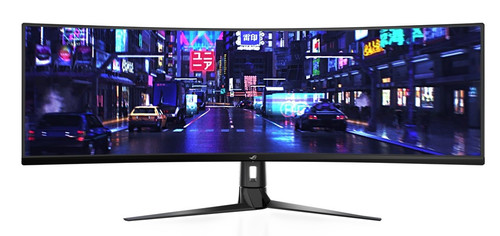
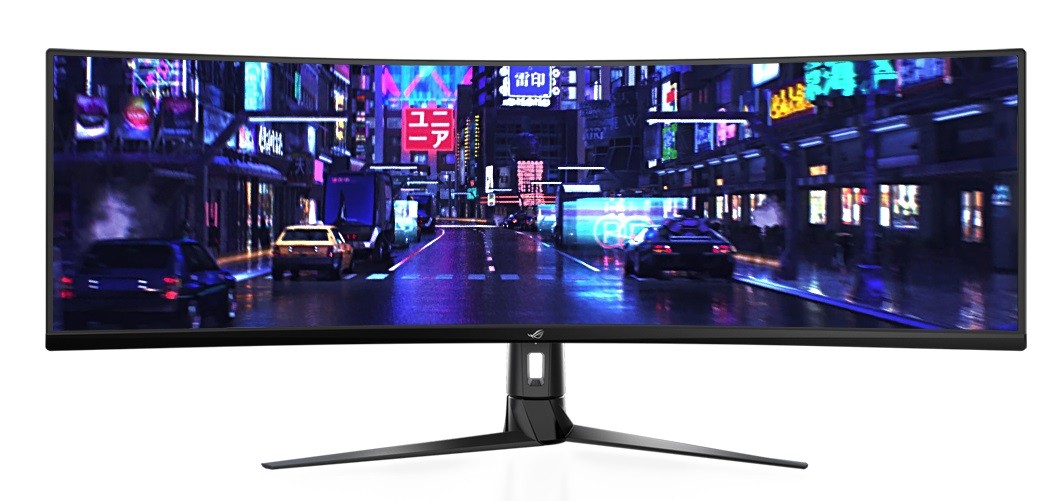
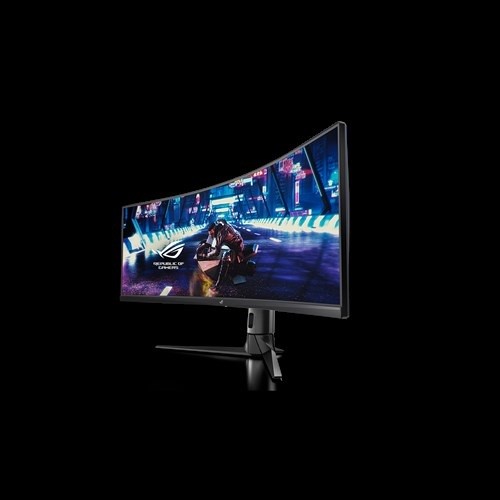
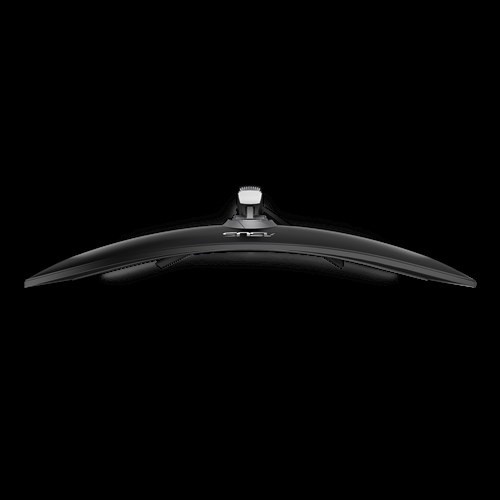
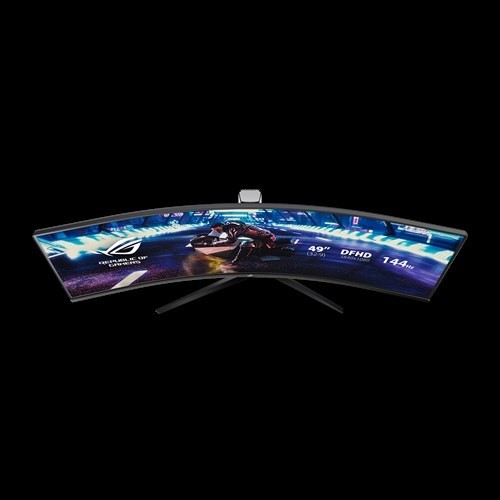
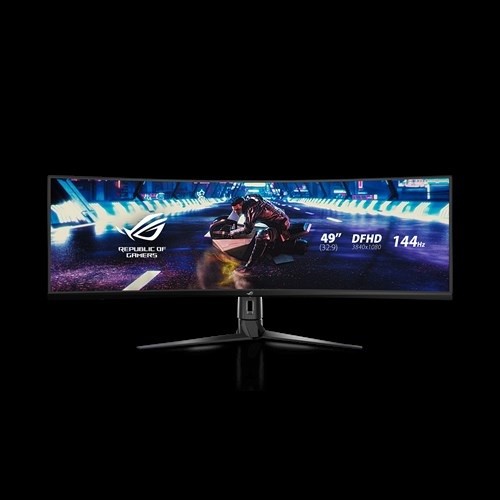
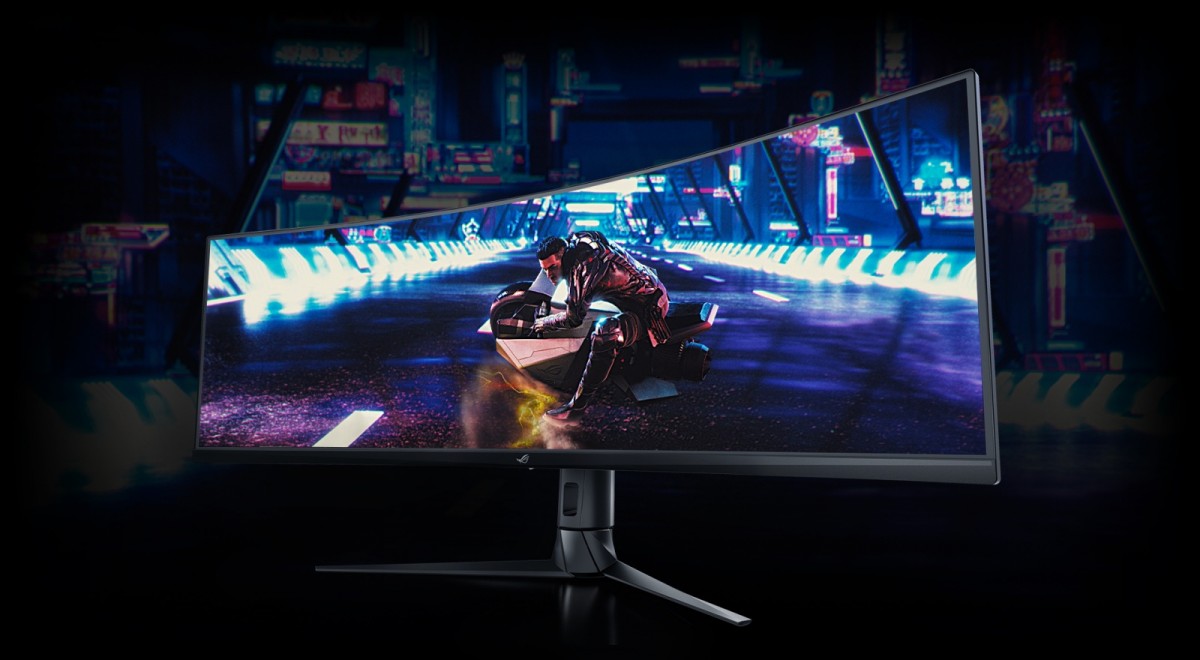
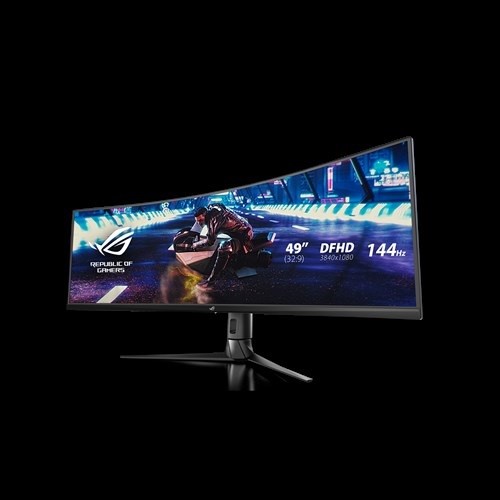
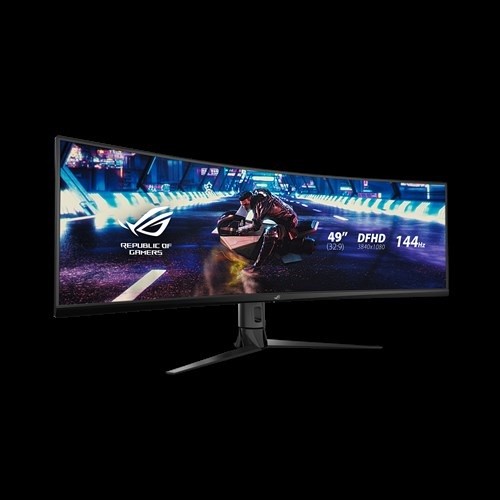
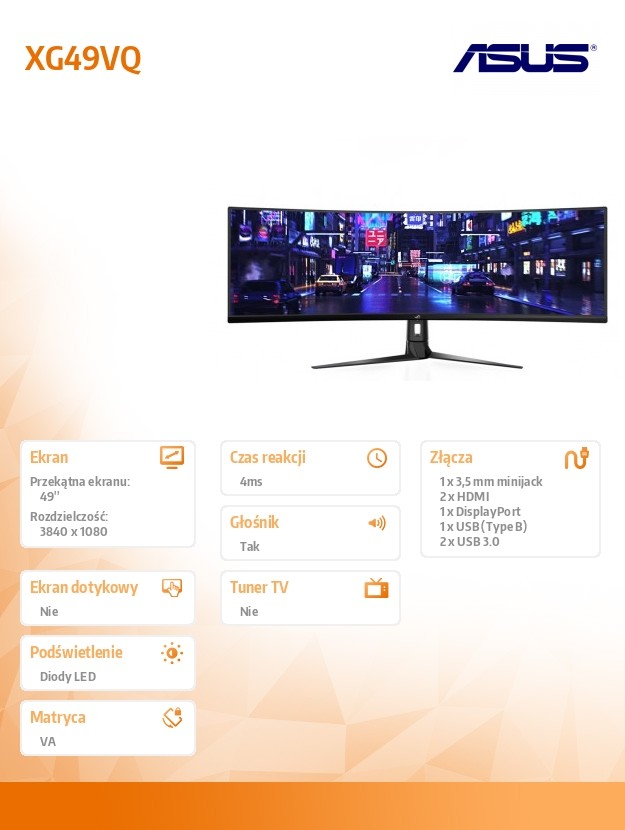
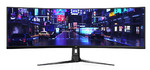
ASUS ROG Strix XG49VQ Super Ultra-Wide HDR Gaming Monitor — 49"
 Out of stock
add to wish list
Technical data
| Colour | Black |
| Weight | 13.3 kilogram |
| Other features | Possibility to tilt the panel (tilt): + 20 ° -5 ° Swivel monitor base: -16 ° ~ + 16 ° Height adjustment: 0 ~ 120 mm Convenient function keys: GamePlus, 5-way OSD Navigation Joystick, GameVisual |
| Accessories included | Power Supply USB cable DisplayPort cable User's Guide Power adapter HDMI cable Warranty Card |
| Model | XG49VQ |
| Aspect ratio | 32:9 |
| Screen size (diag.) | 49'' |
| Matrix type | VA |
| Touch screen | No |
| Transreflective technology | LED |
| Dot pitch | 0.311 Millimetre |
| Resolution | 3840 x 1080 |
| Brightness | 1200 cd/m2 |
| Static contrast | 500:1 |
| Number of colours | 1,07 mld |
| I/O connectors | 1 x 3.5 mm minijack |
| Built-in speakers | Yes |
| Built-in TV tuner | No |
| Auto pivot | No |
| Certificates | KCC |
| VESA | 100 x 100 |
| Power consumption | 47 Watt |
| Height with stand | 529.1 Millimetre |
| Depth with stand | 344.74 Millimetre |
| Weight with stand | 20.9 kilogram |
| Response time | 4 ms |
| Display surface | Matt |
| Viewing angle, horizontal | 178 Degrees |
| Viewing angle, vertical | 178 Degrees |
| Visible area, vertical | 336.3 Millimetre |
| Visible area, horizontal | 1195.8 Millimetre |
| Width | 1193.33 Millimetre |
| Depth | 344.74 Millimetre |
| Height | 369.7 Millimetre |
Description
ROG Strix XG49VQ Super Ultra-Wide HDR Gaming Monitor — 49-inch 32:9 (3840 x 1080), 144Hz, FreeSync™ 2 HDR, DisplayHDR™ 400, DCI-P3: 90%, Shadow Boost
49-inch 32:9 (3840 x 1080) super ultra-wide HDR gaming monitor HDR with 144Hz refresh rate for super-smooth gaming visuals
High Dynamic Range (HDR) technology with DCI-P3 90% professional color gamut delivers contrast and color performance that meets DisplayHDR™ 400 certification
Radeon™ FreeSync 2 HDR technology provides buttery-smooth gameplay, low latency, and better brightness and contrast
Shadow Boost enhances image details in dark areas, brightening scenes without over-exposing bright areas
Multiple HDR modes allows users to adjust settings based on usage such as gaming, content creation or video display
Related products
Iiyama 27" Monitor TN WQHD HDMI DP USB GB2760QSU-B1
MacLean Triple Stand For 3 Monitor Screens 17-27" MC-811
ASUS ROG Strix XG49VQ Super Ultra-Wide HDR Gaming Monitor — 49"
ASUS VT229H Touch Monitor - 21.5" FHD

Acer Nitro 27" Monitor LED IPS 1ms 75Hz VG240Ybmiix
ASUS 16" Monitor MB16AHP

Iiyama 23.8" Monitor TF2415MC-B2 Capacitive 10PKT, Foam, HDMI, DP
Philips 31.5'' Curved Monitor VA 4K HDMIx2 DP 328E1CA
Philips 31.5'' Curved Monitor VA HDMI DP 322E1C
Iiyama 24" Monitor IPS HDMI DP USB XUB2492HSU-W1
 You are here:
- » Home page
- » Electronics
- » Monitors & Displays
- » ASUS ROG Strix XG49VQ Super Ultra-Wide HDR Gaming Monitor — 49"